SWAYCAM / CAMERA ARCADE
A little move.Game on.
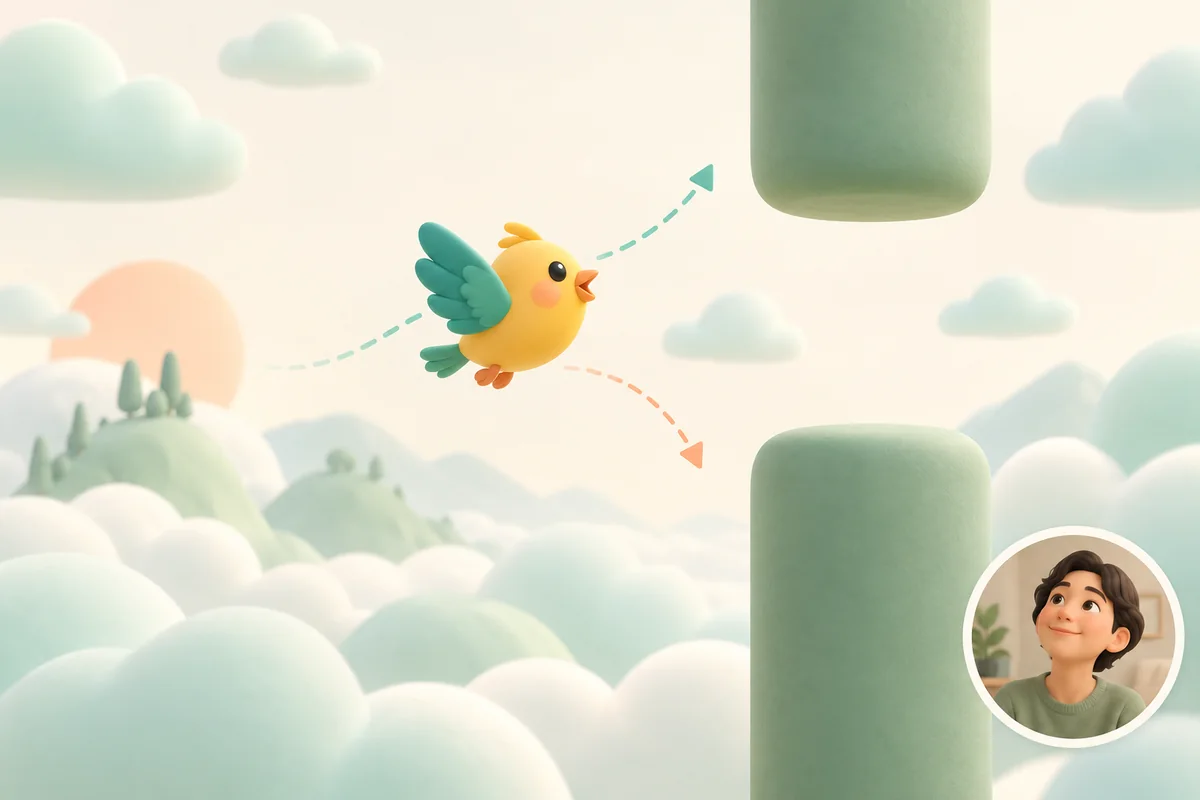
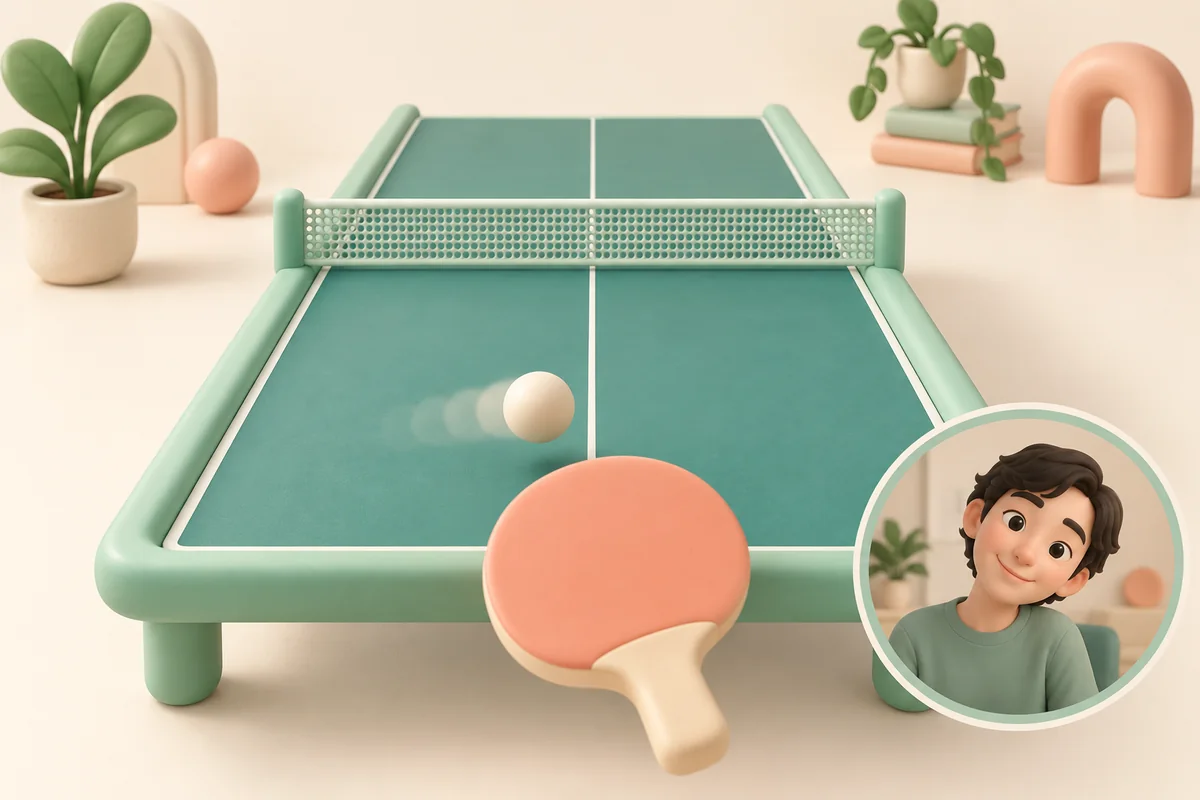
Move your head gently to shift your eyes up, down, left or right in the camera view. That movement controls the game—no tapping needed, and not just moving your pupils.
- 1Pick a game
- 2Allow & calibrate
- 3Move to play
How to play 01 / 03
Your camera is the controller
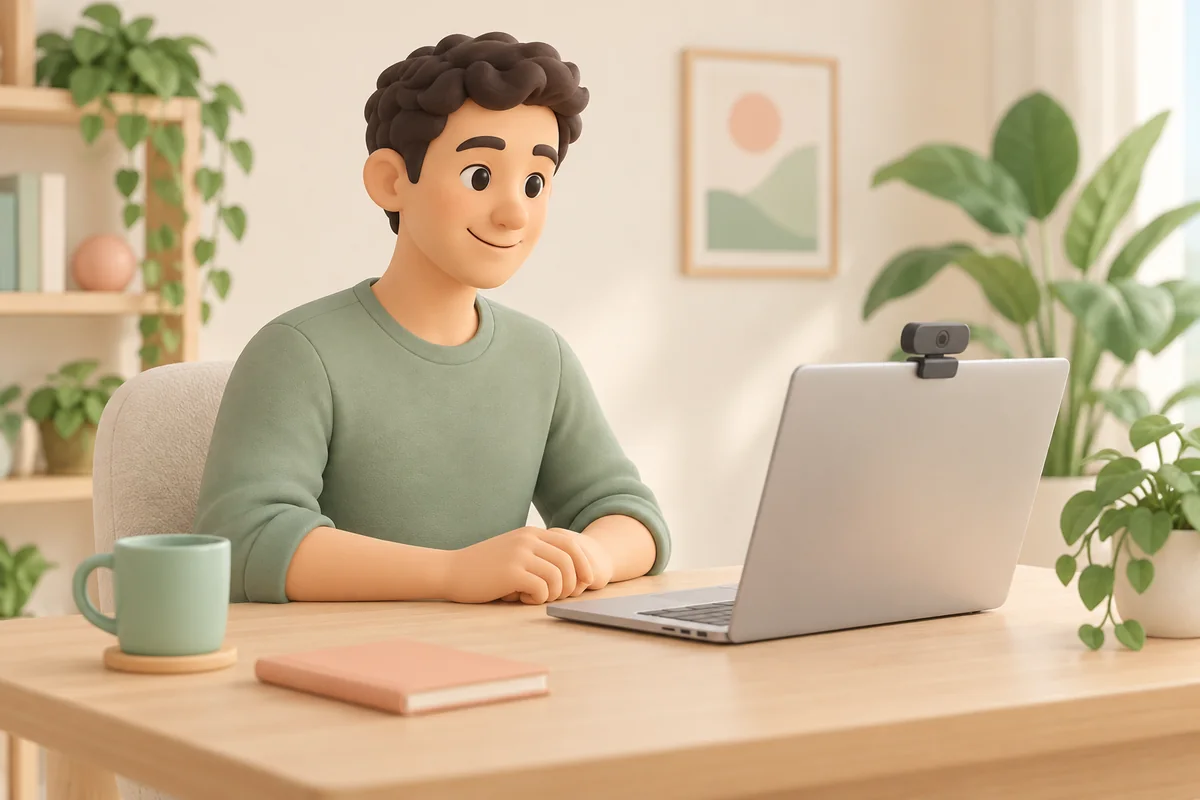
Set your phone or laptop down, allow the camera and follow the calibration prompts. Then play without touching the screen.
PlayReady in three steps
Make a little room
Set your device on a stable surface, at eye level, with even light on your face.
Find your comfortable range
Allow the camera, then follow the game’s prompts. Move your eye position with a small head movement; pupil-only gaze is not tracked.
Play. Save the moment.
Most games use just one axis. If recording is on, you can save or discard your camera-and-game replay after playing.
The arcade13
Free flight
Up & down
Classic pong
Left & right
Falling blocks
Four directions
Brick breaker
Left & right
Watermelon merge
Left & right
Space bees
Left & right
Fruit catcher
Left & right
Road racer
Left & right
Downstairs
Left & right
Bounce climb
Left & right
Bubble pop
Left & right
Circus hoops
Up & down
Reef explorer
Up & down
Camera permission is requested only when you enter a game.
READY WHEN YOU ARE
Ready in three steps
Make a little room
Set your device on a stable surface, at eye level, with even light on your face.
Find your comfortable range
Allow the camera, then follow the game’s prompts. Move your eye position with a small head movement; pupil-only gaze is not tracked.
Play. Save the moment.
Most games use just one axis. If recording is on, you can save or discard your camera-and-game replay after playing.
Use a recent Chrome, Edge or Safari with a camera. A secure HTTPS connection is required outside localhost.